would be very nice to get opening explorer feature for board, like in chesscom. for example, after touching piece in certain opening position, show possible book moves, display evaluation and popularity on screen. it will be such an amazing way to learn opening. also waiting for chess com puzzle integration with may be puzzle rush survival mode (since 5 min puzzle rush impossible with physical board)
Agreed. Even if you could insert the lines by yourself through the app.
1 Like
This will be added and is a great feature. We have it on ChessUp 1 - just need to translate it all to the screen (from the app on ChessUp 1).
1 Like
I just got into learning openings and this feature would be really cool. I found that I need to start the AI game through the app, but it doesn‘t seem to work with my ChessUp 2. Is this feature still coming?
On Chess.com I got to the courses where I learn specific openings and their variations and it would be really cool if I could practice them with my ChessUp.
This should already be in the mobile apps for Android and iOS. Yes, you do have to start the game (and continue) with the phone connected. Which mobile app are you using?
I‘m using the ChessUp app on iOS. Board connected, selected AI-Opponent, then it said my ChessUp 2 doesn‘t need the app, proceeded, selected an opening, tapped start game and then I see the game on my phone but the board does nothing. Still in the main menu.
Does the touch screen on the board still show a “phone” icon thinking it’s still connected?
Yep it does.
After starting the game, when you tap pieces, green moves are the ones appropriate for the opening. For iOS, you have to scroll just a bit in the game setup to find the correct opening move.
When I tap or lift pieces nothing happens. No squares light up.
That is something we should dig into. Please contact us at info@bryghtlabs.com and include a video if possible. @Jeff @oridota

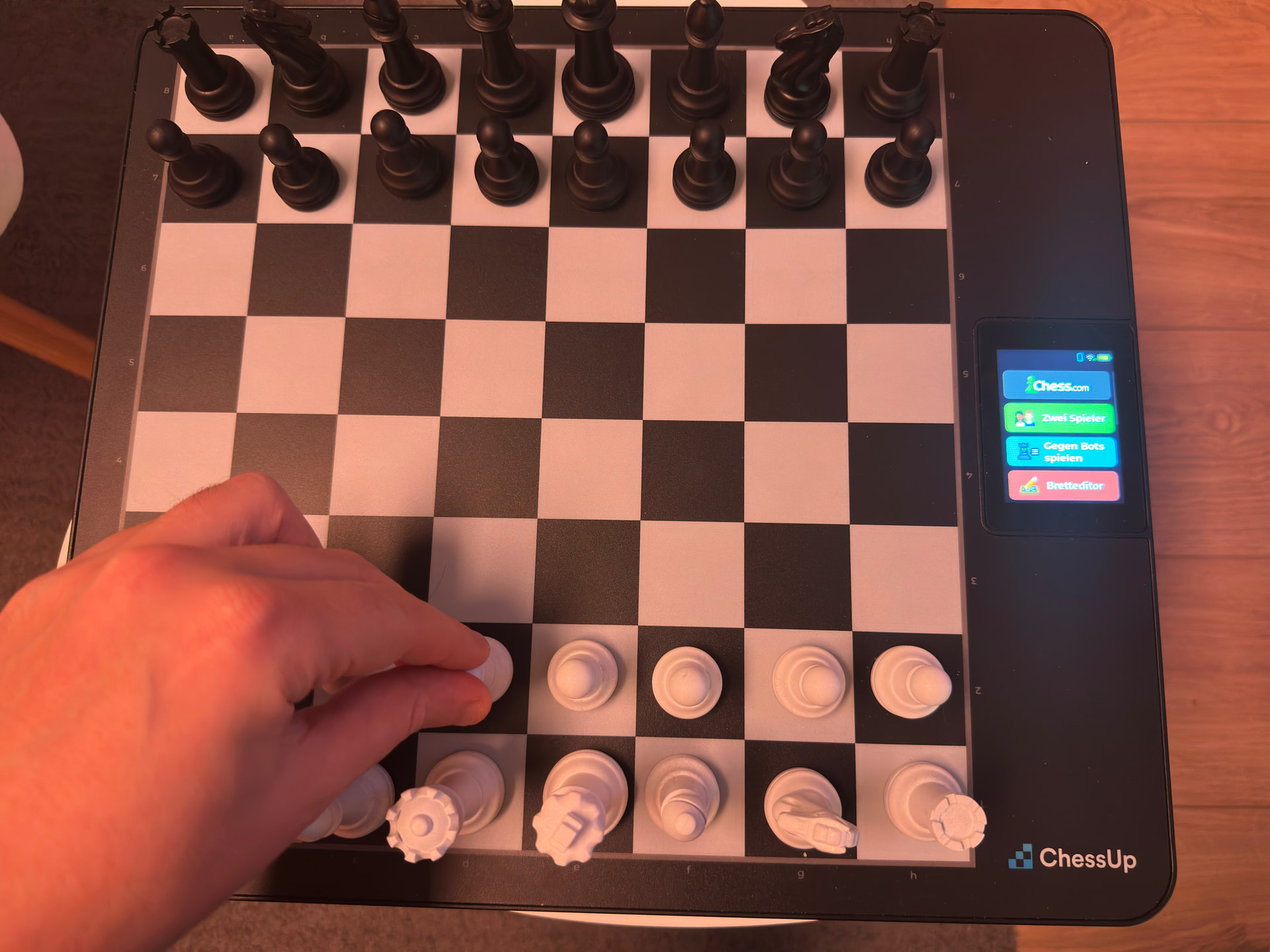
Ohh! I restarted the board and the app and now it works! Thanks for the help 
edit: Seems a bit buggy tho. The fields don‘t reset when I end the game on my phone and it‘s stuck in the position, even when I start a new game.
Can you provide some detail on what you’re seeing? Maybe some photos and description of what happened? We appreciate the feedback.