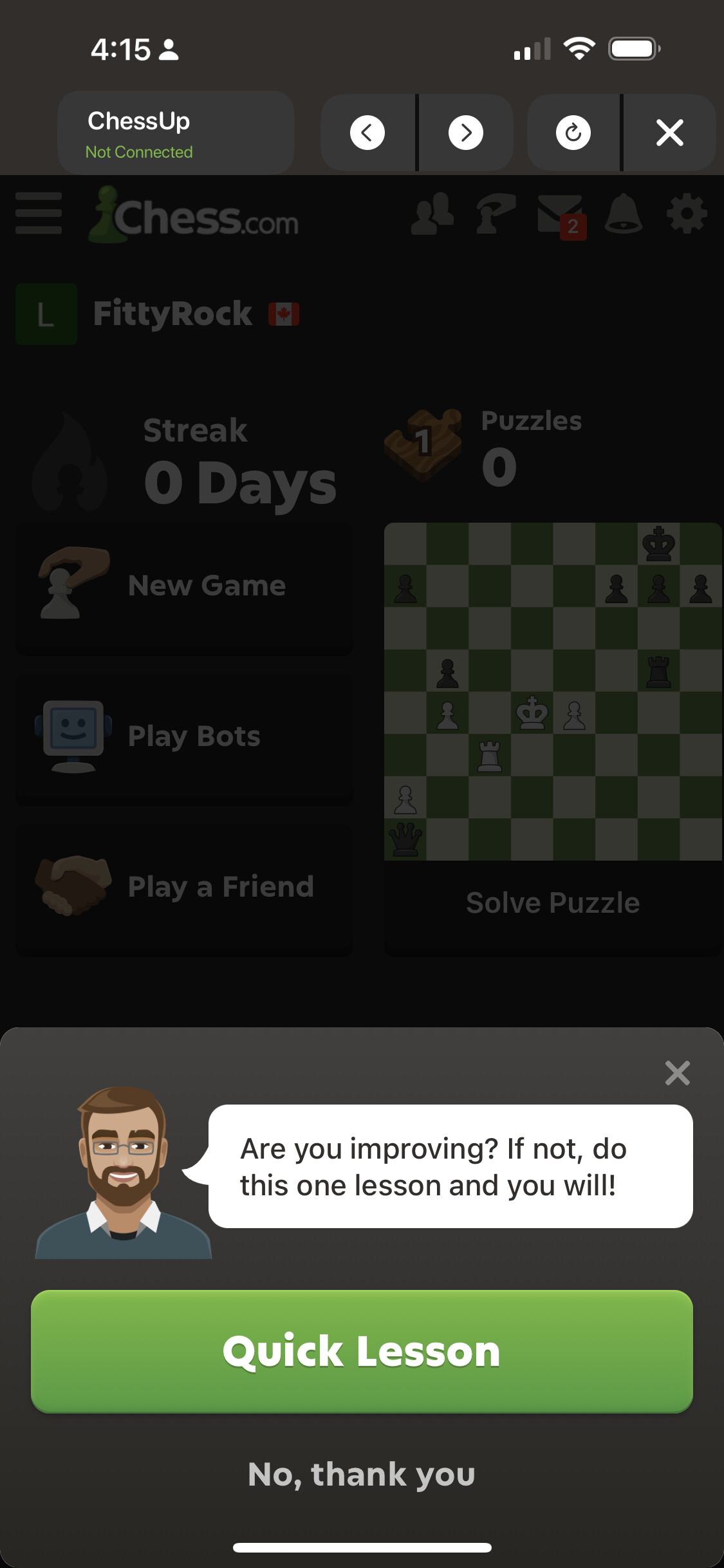
When I select chess.com in the iOS app, it seems to open the website in a web view container inside the app. After I do this, I am not able to go back to the main menu of the ChessUp app. I am stuck in the chess.com web browser interface and have to force quit the app to get back to the menu where I can select lichess or lessons or whatever.
Is this a bug, or am I just overlooking a button to go back?
On the iPhone with IOS version 26.1 I got the same problem as the others. No X to close the chess.com interface and return to the ChessUp app. Have to close the app and restart every time.